
Fictional family. Real software.
The Nguyen family
Two parents, two children, and one Companion Core on the credenza.
17 Tarnwick Close, Dunmere
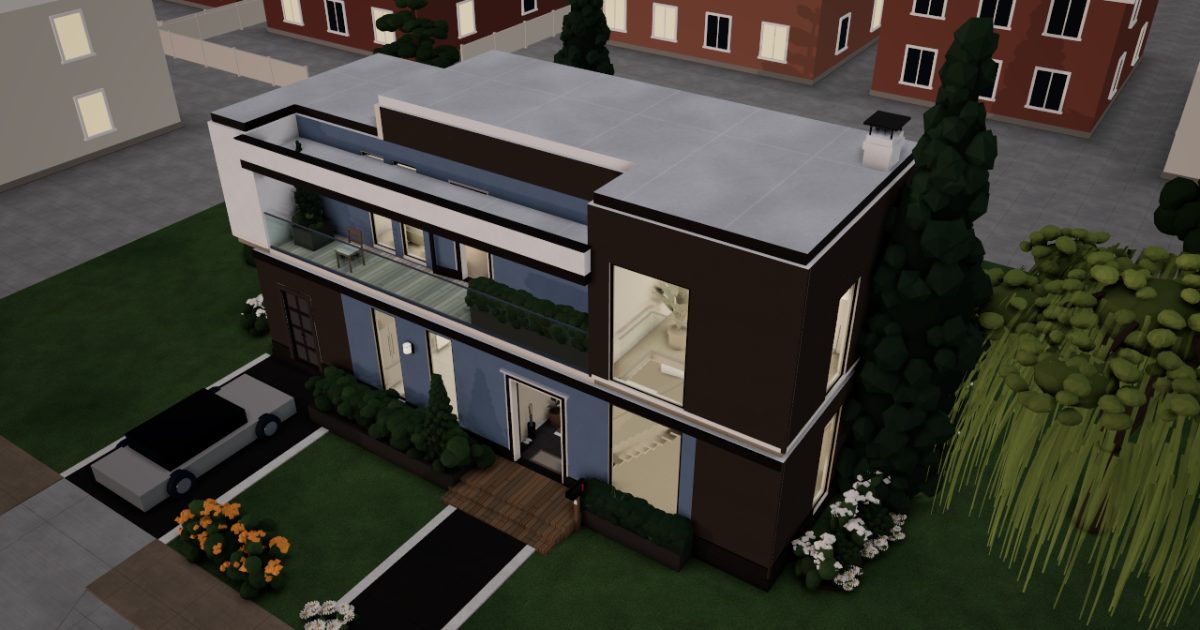 Interactive 3D tour
- Companion OS, Companion Memory and Companion Agents are in beta.
Meet the family
Linh schedules shifts at a hospital, and Duc builds cloud systems for a living. Mai, eleven, and Bao, eight, share the bunk room upstairs. One Companion Core on the living-room credenza serves all four.
Linh
OrganiserAge 39Kitchen & dining
Hospital scheduler.
Cricket is Linh’s OpenClaw agent. Fills in school and club forms from the details Linh gives it. Prepares forms only. Linh reads each one and sends it.
Rented before, on the Core now
Rented before
- LastPass
On the Core now
 OpenClaw WebCLI
 Companion Planning
 VaultWarden
 HortusFox
-
Linh's shifts move the whole week
A new hospital rota lands on Monday. At the oval table, Linh fits the school concert around it in Companion Planning, one local file on the Core.
Watch this momentCompanion Planning -
Cricket gets the trip form ready
The school trip form is due. Linh asks Cricket to fill it in, and Cricket prepares it in its own browser. Linh reads every line before she presses send.
OpenClaw WebCLIScripted Cricket: “The form is ready. Please read it before you send it.”
OpenClaw reaches websites over your home internet.
Watch this moment -
Linh finds the forgotten password
Mai forgets her reading-site password. Linh finds it in VaultWarden, a vault the family hosts on the Core. It works with the Bitwarden apps.
Watch this momentVaultWardenreplaces LastPass -
Out in the garden
Linh finds last year's trim date
Last year's journal note says the low front hedge was trimmed in spring. Linh checks it in HortusFox, trims the hedge again and adds a picture.
Watch this momentHortusFox
Real screenshots of Linh’s apps
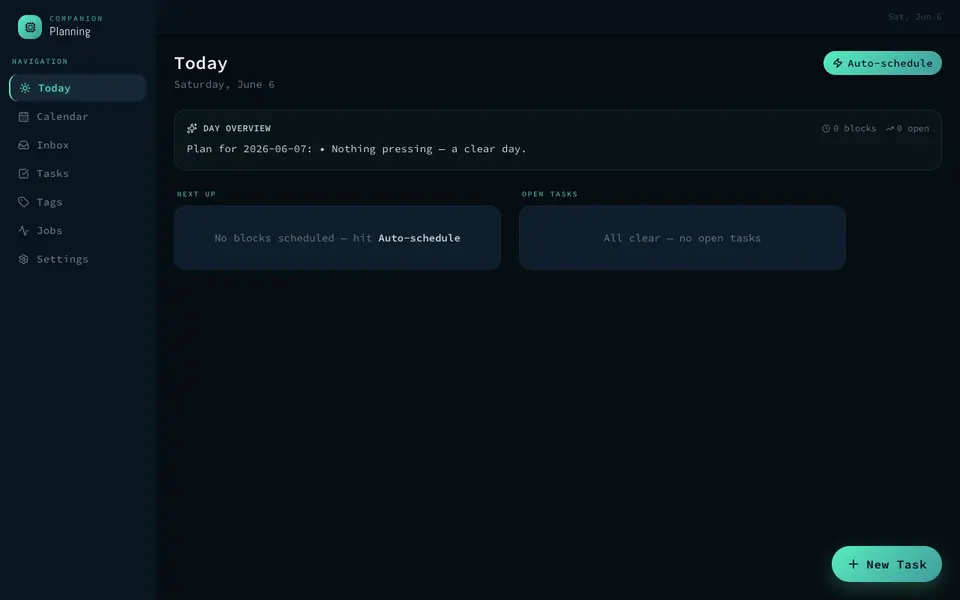
Real screenshot of Companion Planning from a Companion Hub QA run. Not a recording of this family. 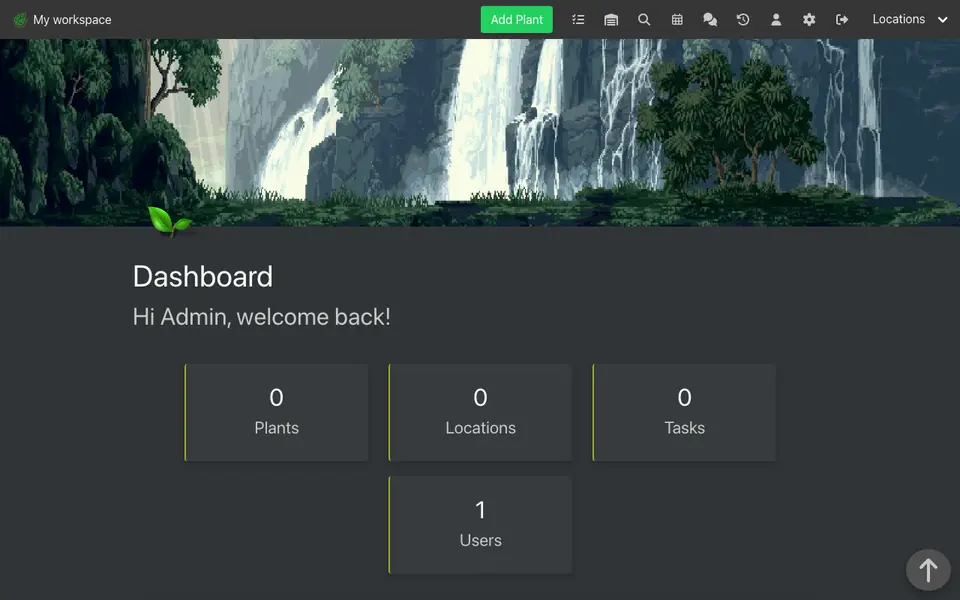
Real screenshot of HortusFox from a Companion Hub QA run. Not a recording of this family.
Duc
BuilderAge 41Garage & utility
Cloud engineer.
Ember is Duc’s Hermes agent. Drafts short notes from the details Duc messages to it. Drafts only. Duc reads every word before he sends it.
Rented before, on the Core now
Rented before
- Spotify
- GitHub
On the Core now
 Navidrome
 Gitea
 Hermes
 ntfy
-
The living room
Duc picks the afternoon's music
Afternoon light crosses the west glass. Duc picks an album from the family's own music files, and Navidrome plays it from the Core to his phone.
Watch this momentNavidromereplaces Spotify -
Duc pushes the bike script
Duc builds cloud systems by day. On Saturday he pushes his bike script to Gitea. The repository sits on the Core, not on a rented code host.
Watch this momentGiteareplaces GitHub -
Ember drafts the landlord note
The garage door sticks. Duc messages Ember the details. Ember drafts a note for the landlord on the Core's local model. Duc reads it and sends it himself.
HermesScripted Ember: “Here it is, short and polite. You decide whether it goes.”
Messages pass through the chat service you choose.
Watch this moment -
Duc stops forgetting the bins
Duc forgets the bins every Thursday morning. Now an n8n workflow on the Core sends a ntfy message to his phone the afternoon before.
Watch this momentntfy
Mai
LearnerAge 11Kids' room
Primary school.
Rented before, on the Core now
Rented before
- Cozi
- Amazon Kindle
- Google Translate
- Notion
On the Core now
 HomeHub
 Koodo Reader
 LibreTranslate
 Open WebUI
 Obsidian
-
Kitchen and dining
Mai trades dishes for the table
Beside the fridge, Mai swaps her dish-drying chore with Bao's table-laying one. The shared chore list in HomeHub lives on the Core, where both parents can read it.
Watch this momentHomeHubreplaces Cozi -
Mai bookmarks the tides chapter
Mai reads the tides chapter of a sea book in Koodo Reader and bookmarks the page for class. The book comes from the family's library on the Core.
Watch this momentKoodo Readerreplaces Amazon Kindle -
Mai checks a welcome sign
A new classmate speaks Portuguese. Mai writes a welcome sign and checks it in LibreTranslate on the Core, whose language models were downloaded once.
Watch this momentLibreTranslatereplaces Google Translate -
Mai learns it to teach Bao
Bao asks why volcanoes erupt, and Mai is not sure. She asks the model on the Core, through Open WebUI, then explains it in her own words.
Watch this momentOpen WebUI -
The reading log gets a line
At the laptop, Mai adds a line to her reading log: one note for each book she finishes. Obsidian saves each note as a plain Markdown file on the Core.
Watch this momentObsidianreplaces Notion
Bao
MakerAge 8Kids' room
Primary school.
Rented before, on the Core now
Rented before
- Google Photos
- Cozi
- Miro
- AirDrop
On the Core now
 Immich
- HomeHub
 Excalidraw
 PairDrop
-
The living room
Bao finds the best ferry picture
Bao finds last summer's best ferry picture. The family's photos sit in Immich on the Core, not in a photo cloud. The first start took a while.
Watch this momentImmichreplaces Google Photos -
Kitchen and dining
Bao adds eggs to the list
The eggs have run out. At the breakfast bar, Bao adds them to the HomeHub shopping list, and Mai adds oranges. The list is served from the Core.
Watch this momentHomeHubreplaces Cozi -
Bao draws the marble run first
For the school fair, Bao draws his marble run, ramps first. Mai adds the labels, and the whiteboard runs on the Core.
Watch this momentExcalidrawreplaces Miro -
The marble run crosses the Wi-Fi
The cardboard marble run is finished. Bao takes its picture on Linh's phone, then sends it to the family laptop with PairDrop, across the home Wi-Fi.
Watch this momentPairDropreplaces AirDrop
Real screenshots of Bao’s apps
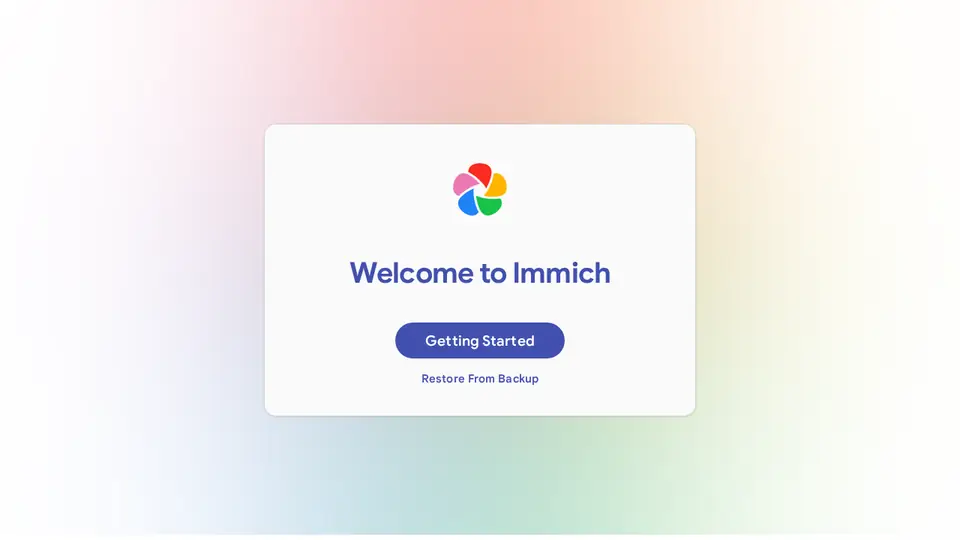
Real screenshot of Immich from a Companion Hub QA run. Not a recording of this family. 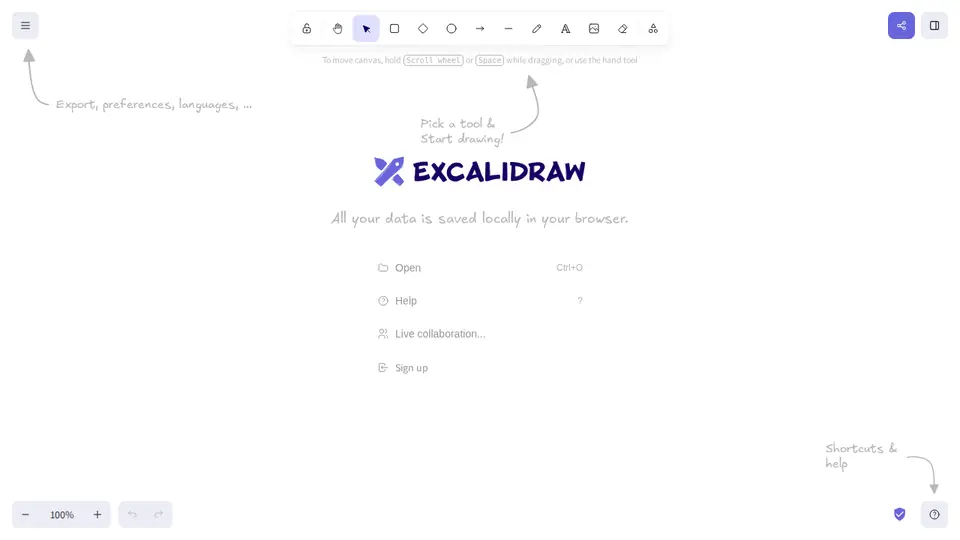
Real screenshot of Excalidraw from a Companion Hub QA run. Not a recording of this family. 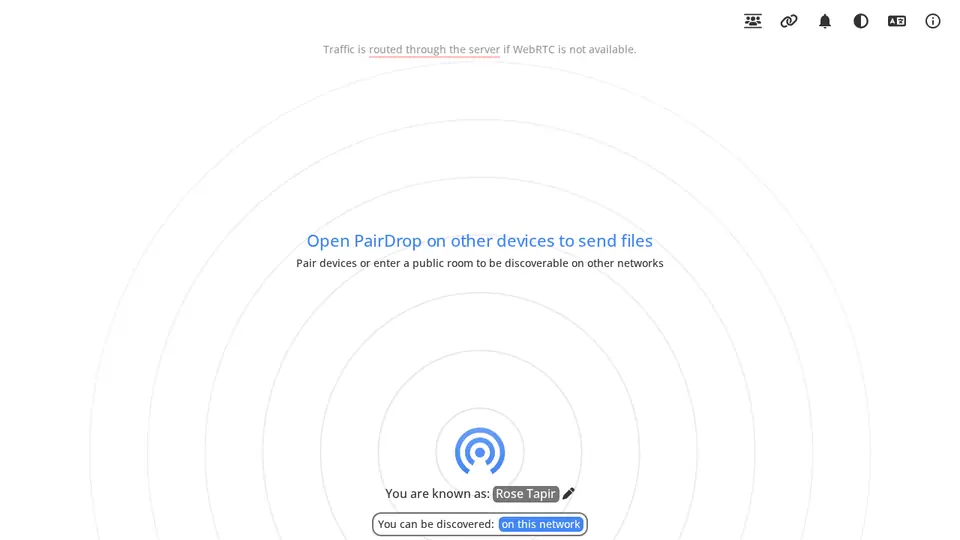
Real screenshot of PairDrop from a Companion Hub QA run. Not a recording of this family.
The home
- 2 storeys
- 218 m²
- 14 rooms
Scroll the plan sideways to see all of it.
Scroll the plan sideways to see all of it.
A diagram of the rooms, drawn from the home’s layout. It leaves out walls, doors and stairs. The pins show the room each person uses, and the small box marks the Companion Core.
What runs on the Core
One Companion Core in the house runs these apps. Each is in the Companion Hub store. Other software is named in text, for what it replaces.
- OpenClaw WebCLIFrom the OpenClaw Foundation
- NavidromeReplaces Spotify
- ImmichReplaces Google Photos
- GiteaReplaces GitHub
- HermesFrom Nous Research
- ntfy
- HomeHubReplaces Cozi
- Companion PlanningFirst party
- VaultWardenReplaces LastPass
- Koodo ReaderReplaces Amazon Kindle
- ExcalidrawReplaces Miro
- LibreTranslateReplaces Google Translate
- PairDropReplaces AirDrop
- Open WebUI
- ObsidianReplaces Notion
- HortusFox
The other apps in these stories are made by other people, most of them open-source projects. Companion Intelligence did not make them. A logo belongs to its project. It shows which app is named beside it.
How it runs
Two pieces do the work. One runs on the Core. The other keeps track of your devices.
Companion Hub
Companion Hub is where you install apps on the Core. Pick one in the Companion Hub store and Hub sets it up. Installing apps uses the internet.
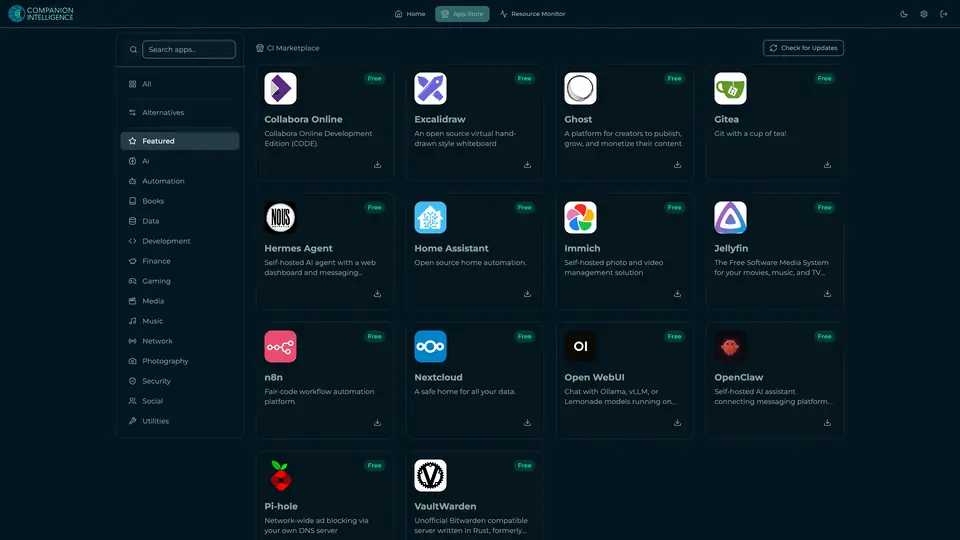
Real screenshot of Companion Hub from a product tutorial capture. Not a recording of this family. 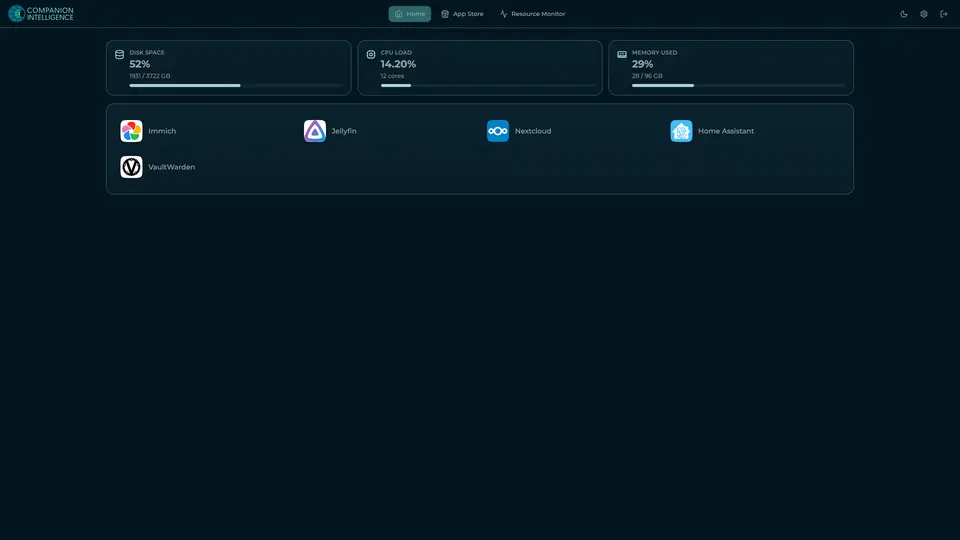
Real screenshot of Companion Hub from a product tutorial capture, with sample data. The disk, CPU and memory figures are the capture machine's, not a Companion Core spec. Not a recording of this family.
Companion account
Your Companion account pairs your devices with the Hub and lists them. The apps and their files stay on the Core.
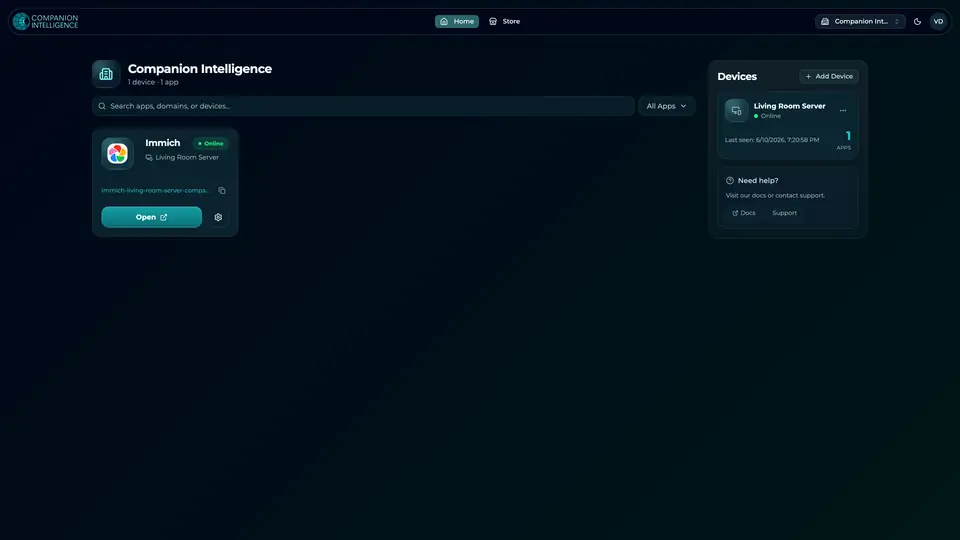
Real screenshot of the Companion account page from a product tutorial capture, with sample data. Not a recording of this family. 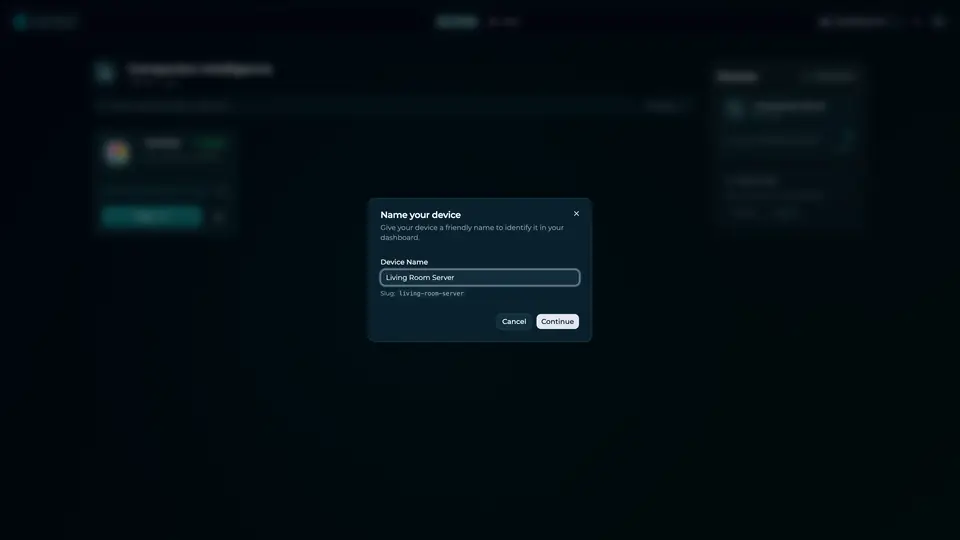
Real screenshot of the Companion account page from a product tutorial capture, with sample data. Not a recording of this family.
How the Core starts
-
Plug it in.
The parcel holds the Companion Core, a power cable, a quick-start guide and a recovery USB drive. Companion OS is already on its drive. Plug it in and press the button.
-
Join its Wi-Fi.
The Core opens its own Wi-Fi network. Join it from a phone, choose your home network from the list and enter its password.
-
Pick your apps and run.
In the Companion Hub store, pick your first agents and apps. Then walk away. Installing apps uses the internet.
Some steps use the internet: installing apps from the Companion Hub store, and any website or messaging service your agent talks to.
UnCloud your life.
Your family's lists, passwords and homework can live on a Companion Core at home. Browse the Companion Hub store and pick your first apps.