
Fictional family. Real software.
The Moreau family
One Companion Core in the library lounge, and four people who use it.
9 Millrace Lane, Pennard Mill
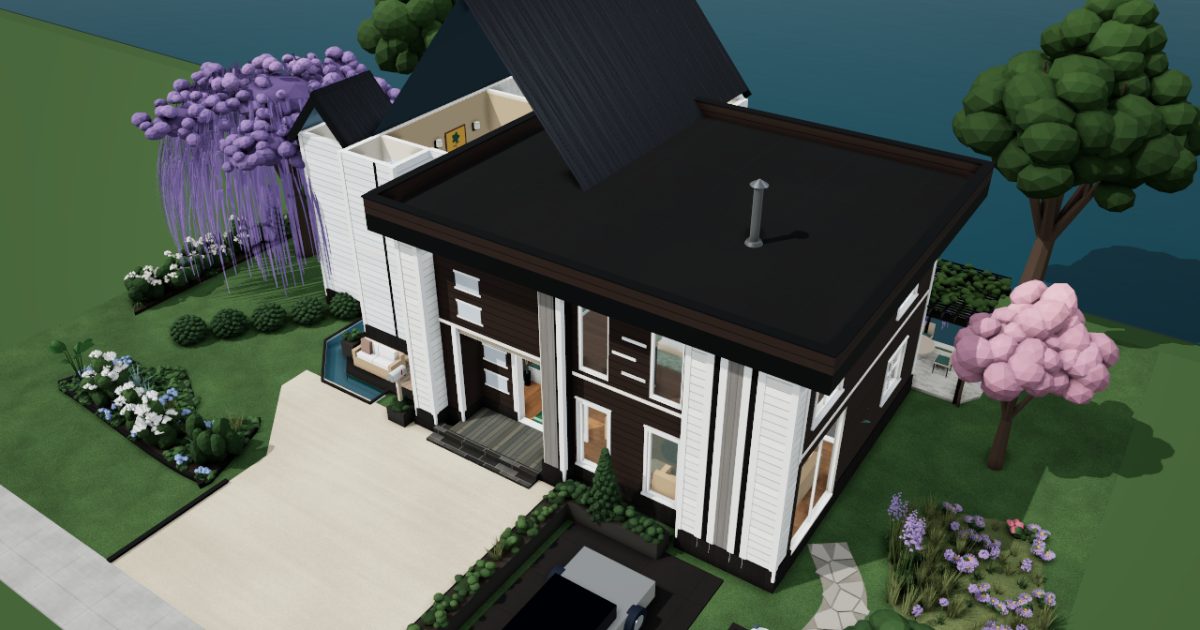 Interactive 3D tour
- Companion OS, Companion Memory and Companion Agents are in beta.
Meet the family
Claire is a hospital administrator, and Etienne writes game-engine code from the garden room. Hugo, seventeen, plays upstairs, and Lea, twelve, reads and studies in her room. All four share one Companion Core.
Claire
OrganiserAge 46Library lounge
Hospital administrator.
Tansy is Claire’s Hermes agent. Drafts Claire’s replies to the school office and the dentist from her notes. Drafts only. Claire reads each one and sends it herself.
Rented before, on the Core now
Rented before
- Google Drive
- YNAB
On the Core now
 Hermes
 Paperless-ngx
 Companion Planning
 Firefly III
-
The morning post gets scanned
Claire scans the morning post. Paperless-ngx reads and tags every page on the Core, not in a rented drive, so one word finds the invoice.
Watch this momentPaperless-ngxreplaces Google Drive -
The dentist gets an answer
The dentist asks Claire to confirm a time. She tells Tansy yes, and Tansy writes the reply on the Core’s local model. Claire reads it, then sends it herself.
HermesScripted Tansy: “Here is the draft for the dentist. Please read it first.”
Messages pass through the chat service you choose. Companion Agents are in beta.
Watch this moment -
The plan bends around a meeting
When the staff rota meeting moves to Monday, Claire gives the review a new block in Companion Planning. The plan is one local file on the Core.
Watch this momentCompanion Planning -
The kitchen
Claire teaches the ledger a rule
On Sunday morning at the kitchen island, Claire writes one rule in Firefly III. Lunch transactions now sort into the lunches budget, in a ledger Claire keeps on the Core.
Watch this momentFirefly IIIreplaces YNAB
Real screenshots of Claire’s apps
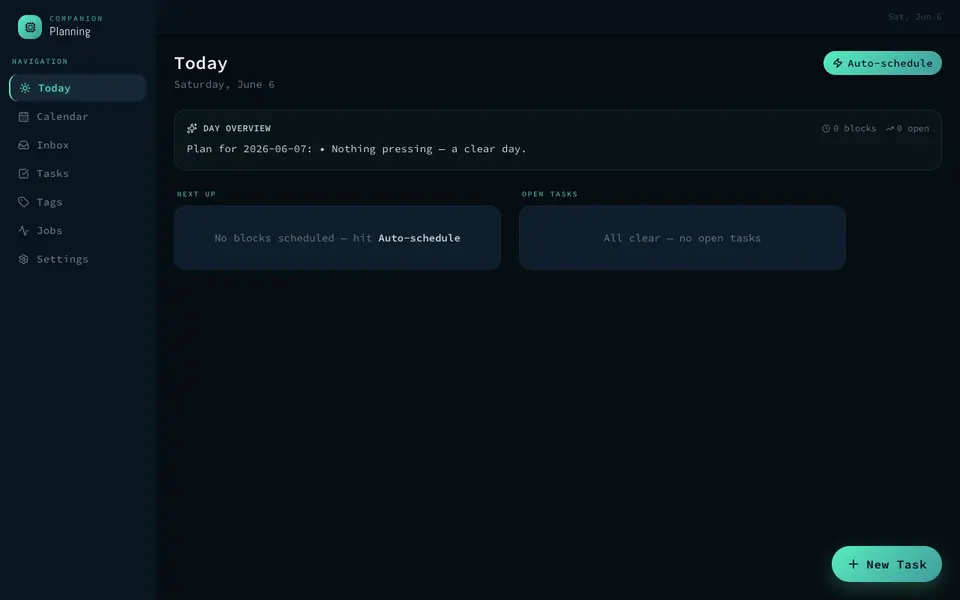
Real screenshot of Companion Planning from a Companion Hub QA run. Not a recording of this family.
Etienne
BuilderAge 48Garden room
Game-engine programmer.
Sparrow is Etienne’s Hermes agent. Drafts Etienne’s messages to his playtesters from his rough notes. Drafts only. Etienne reads each message and sends it himself.
Rented before, on the Core now
Rented before
- NextDNS
- GitHub
On the Core now
 Pi-hole
 Forgejo
- Hermes
 JupyterLab
 Yuvomi
-
The kitchen
Etienne explains the quieter recipe page
Lea asks why her tablet’s cake recipe shows fewer ads. Etienne says the tablet asks Pi-hole on the Core first, and domains on its block lists get no answer.
Watch this momentPi-holereplaces NextDNS -
The chaise is Etienne’s desk
On the chaise, Etienne opens an issue for the stuck door a playtester found. Forgejo keeps the issue and the fix on the Core, not on a rented code host.
Watch this momentForgejoreplaces GitHub -
Sparrow’s draft needs one change
At the potting bench, Etienne leaves Sparrow two lines for playtesters. Sparrow drafts it on the Core’s local model, and Etienne reads it, fixes a line, then sends it himself.
HermesScripted Sparrow: “The playtest note is ready. Please read it, then send it.”
Messages pass through the chat service you choose.
Watch this moment -
Etienne finds three seeds for Hugo
Etienne tries a cave generator in a JupyterLab notebook, and three seeds come out worth showing Hugo. The notebook runs its code on the Core.
Watch this momentJupyterLab -
In the front garden
Watering joins the household board
In the front garden, Etienne adds the planters to the household board in Yuvomi. Hugo ticks off the watering after school, and Claire sees it done.
Watch this momentYuvomi
Real screenshots of Etienne’s apps
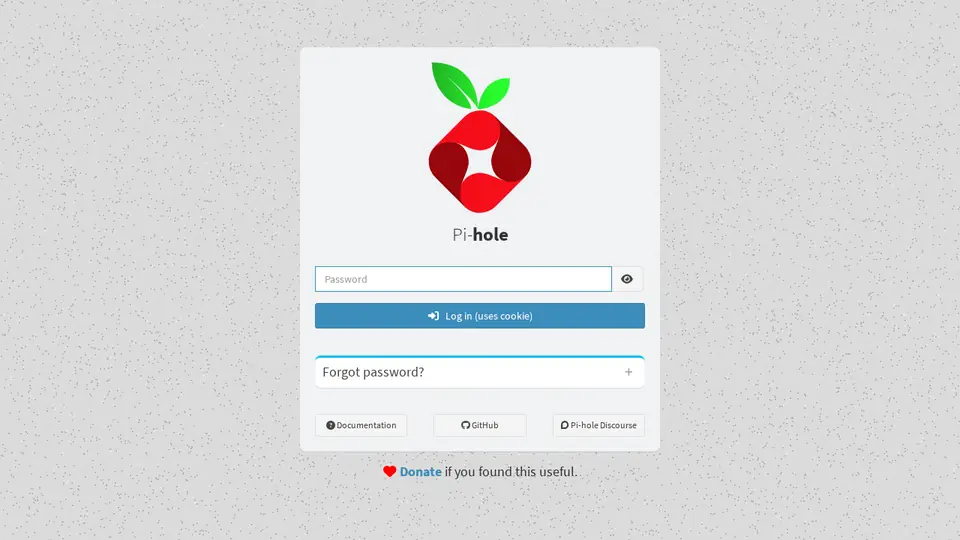
Real screenshot of Pi-hole from a Companion Hub QA run. Not a recording of this family. 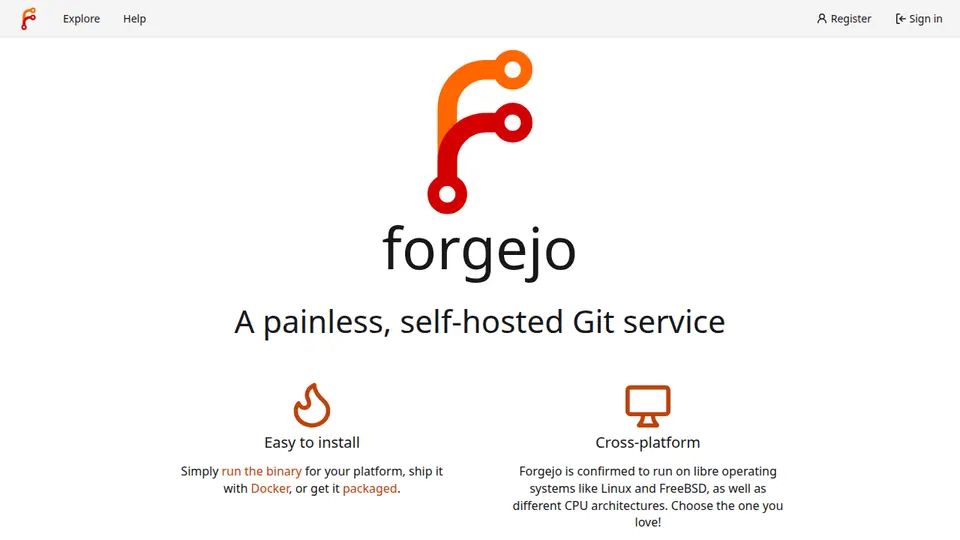
Real screenshot of Forgejo from a Companion Hub QA run. Not a recording of this family.
Hugo
GamerAge 17Guest bedroom
Sixth form.
Rented before, on the Core now
Rented before
- GeForce Now
- MagicaVoxel
- GitHub
On the Core now
 KitchenOwl
 Steam Headless
 Blockbench
- Forgejo
-
The kitchen
The pesto jar joins the list
The pesto jar is empty again. Hugo adds it to the family’s KitchenOwl list, and Claire sees the new line before she leaves for the shops.
Watch this momentKitchenOwl -
The games live on the Core
Saturday morning on his bed, Hugo opens his Steam library in a browser. Steam Headless runs the session on the Core, and the games install there.
Steam Headlessreplaces GeForce NowSteam needs a Valve account. A Core may lack the graphics power a game wants.
Watch this moment -
Hugo models the game’s lantern
Cross-legged on the platform bed, Hugo shapes a low-poly lantern in Blockbench for his father’s game. The Core serves the editor, which opens in his browser.
Watch this momentBlockbenchreplaces MagicaVoxel -
The lantern goes to his father
Hugo exports the lantern and opens a pull request in Forgejo. Etienne reviews it from the Garden Room, then merges it before lunch.
Watch this momentForgejoreplaces GitHub
Real screenshots of Hugo’s apps
Real screenshot of Forgejo from a Companion Hub QA run. Not a recording of this family.
Lea
LearnerAge 12Kids room
Secondary school.
Rented before, on the Core now
Rented before
- Amazon Kindle
- Notion
- Instapaper
- Google Translate
On the Core now
 Koodo Reader
 Obsidian
- Readeck
 LibreTranslate
-
The Library Lounge
Lea and Claire share a novel
After school, Lea and Claire share the chesterfield and one novel. Koodo Reader opens the family’s ebooks in a browser, from a library that sits on the Core.
Watch this momentKoodo Readerreplaces Amazon Kindle -
Lea writes the last line herself
Stuck on a poem’s last line, Lea tries three endings in Obsidian and keeps the one that rhymes. Her notes are plain Markdown files on the Core.
Watch this momentObsidianreplaces Notion -
Lea finds the article she saved
Lea’s science homework asks how a hot-air balloon rises. Readeck kept the readable text of the article she saved earlier, and the copy sits on the Core.
Readeckreplaces Instapaper
Watch this moment -
Lea checks her dinner menu
On her bed, Lea writes Saturday’s dinner menu in Italian for the family, then checks it in LibreTranslate. Its language models were downloaded once, and the Core does the work.
Watch this momentLibreTranslatereplaces Google Translate
The home
- 2 storeys
- 245 m²
- 16 rooms
Scroll the plan sideways to see all of it.
Scroll the plan sideways to see all of it.
A diagram of the rooms, drawn from the home’s layout. It leaves out walls, doors and stairs. The pins show the room each person uses, and the small box marks the Companion Core.
What runs on the Core
One Companion Core in the house runs these apps. Each is in the Companion Hub store. Other software is named in text, for what it replaces.
- HermesFrom Nous Research
- Paperless-ngxReplaces Google Drive
- Koodo ReaderReplaces Amazon Kindle
- Companion PlanningFirst party
- Firefly IIIReplaces YNAB
- Pi-holeReplaces NextDNS
- KitchenOwl
- ForgejoReplaces GitHub
- JupyterLab
- Yuvomi
- Steam HeadlessReplaces GeForce Now
- BlockbenchReplaces MagicaVoxel
- ObsidianReplaces Notion
- ReadeckReplaces Instapaper
- LibreTranslateReplaces Google Translate
The other apps in these stories are made by other people, most of them open-source projects. Companion Intelligence did not make them. A logo belongs to its project. It shows which app is named beside it.
How it runs
Two pieces do the work. One runs on the Core. The other keeps track of your devices.
Companion Hub
Companion Hub is where you install apps on the Core. Pick one in the Companion Hub store and Hub sets it up. Installing apps uses the internet.
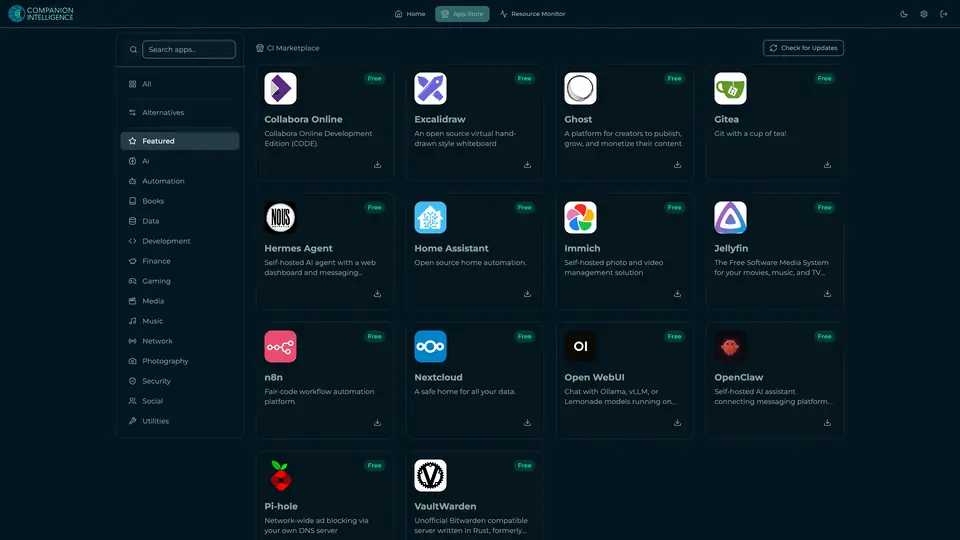
Real screenshot of Companion Hub from a product tutorial capture. Not a recording of this family. 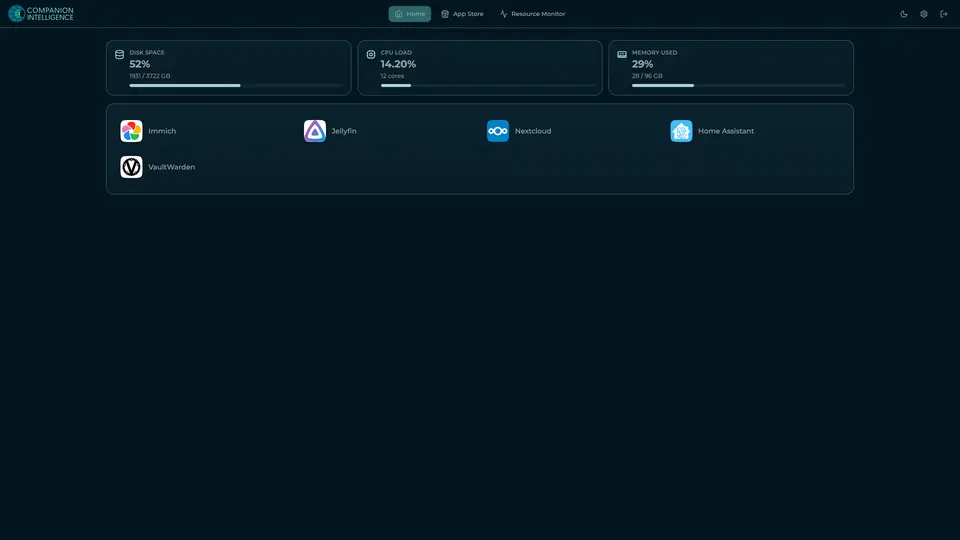
Real screenshot of Companion Hub from a product tutorial capture, with sample data. The disk, CPU and memory figures are the capture machine's, not a Companion Core spec. Not a recording of this family.
Companion account
Your Companion account pairs your devices with the Hub and lists them. The apps and their files stay on the Core.
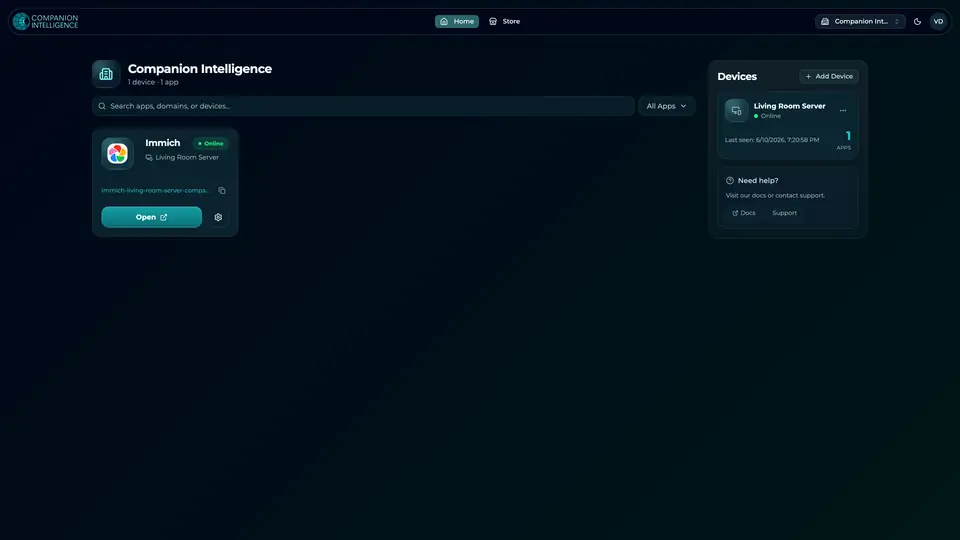
Real screenshot of the Companion account page from a product tutorial capture, with sample data. Not a recording of this family. 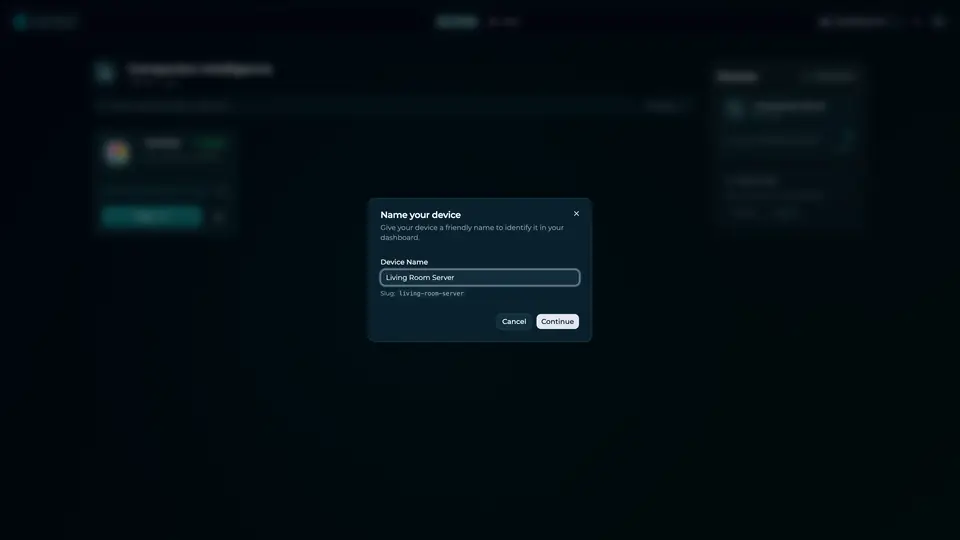
Real screenshot of the Companion account page from a product tutorial capture, with sample data. Not a recording of this family.
How the Core starts
-
Plug it in.
The parcel holds the Companion Core, a power cable, a quick-start guide and a recovery USB drive. Companion OS is already on its drive. Plug it in and press the button.
-
Join its Wi-Fi.
The Core opens its own Wi-Fi network. Join it from a phone, choose your home network from the list and enter its password.
-
Pick your apps and run.
In the Companion Hub store, pick your first agents and apps. Then walk away. Installing apps uses the internet.
Some steps use the internet: installing apps from the Companion Hub store, and any website or messaging service your agent talks to.
UnCloud your life.
Your paperwork, code and homework reading can sit on a Companion Core at home. Browse the Companion Hub store and pick your first apps.